
Start the bid
before you drive to the lot
Draw the lot on satellite imagery and have a priced quote ready the same day — with far less to measure when you get there.
Start a takeoff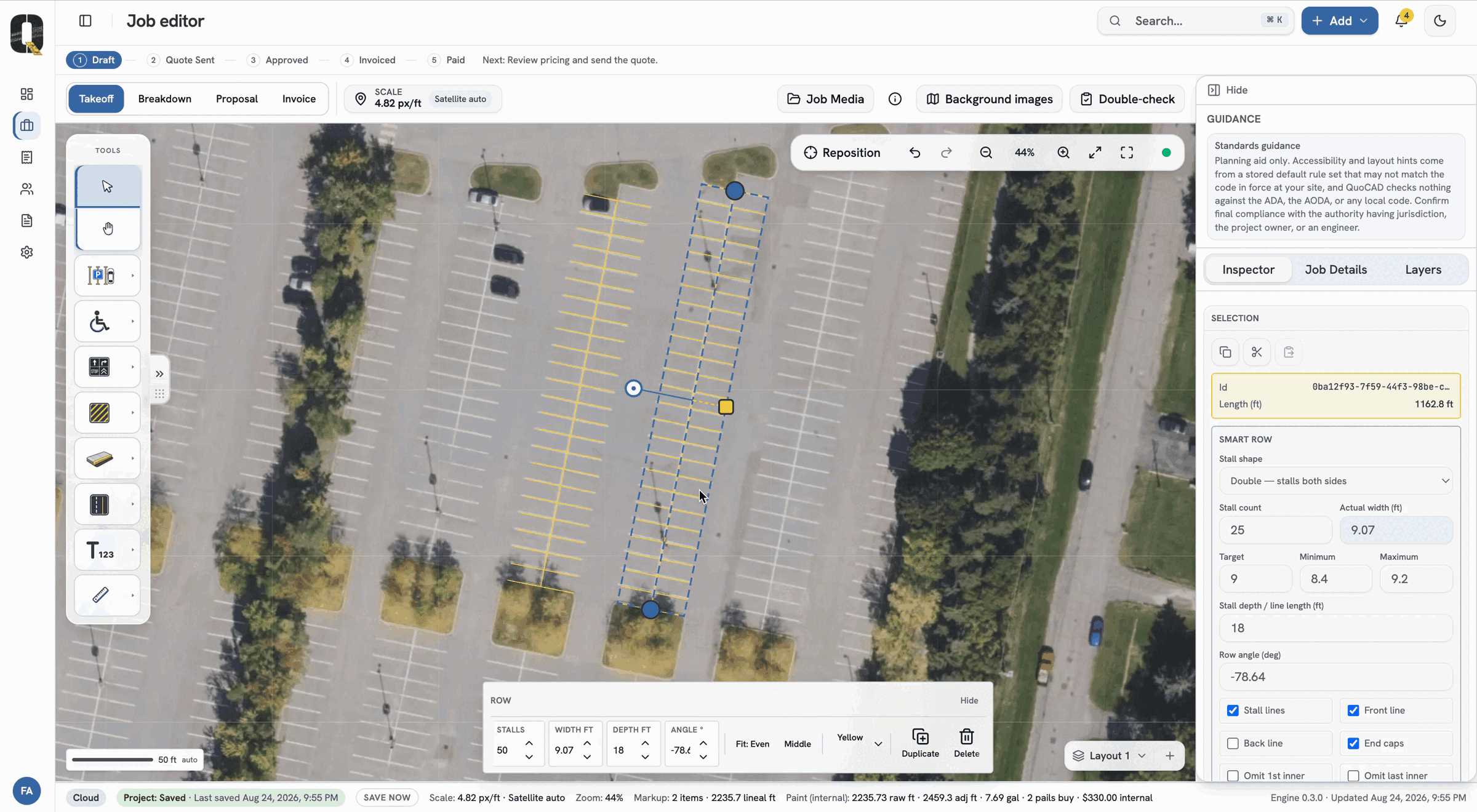

Turn the lots you get asked to bid into quotes with a takeoff
that counts the stalls, linear feet and gallon of paint while you draw.
Built for the crews who stripe, seal and mark pavement.
Purpose-built for parking lot takeoffs
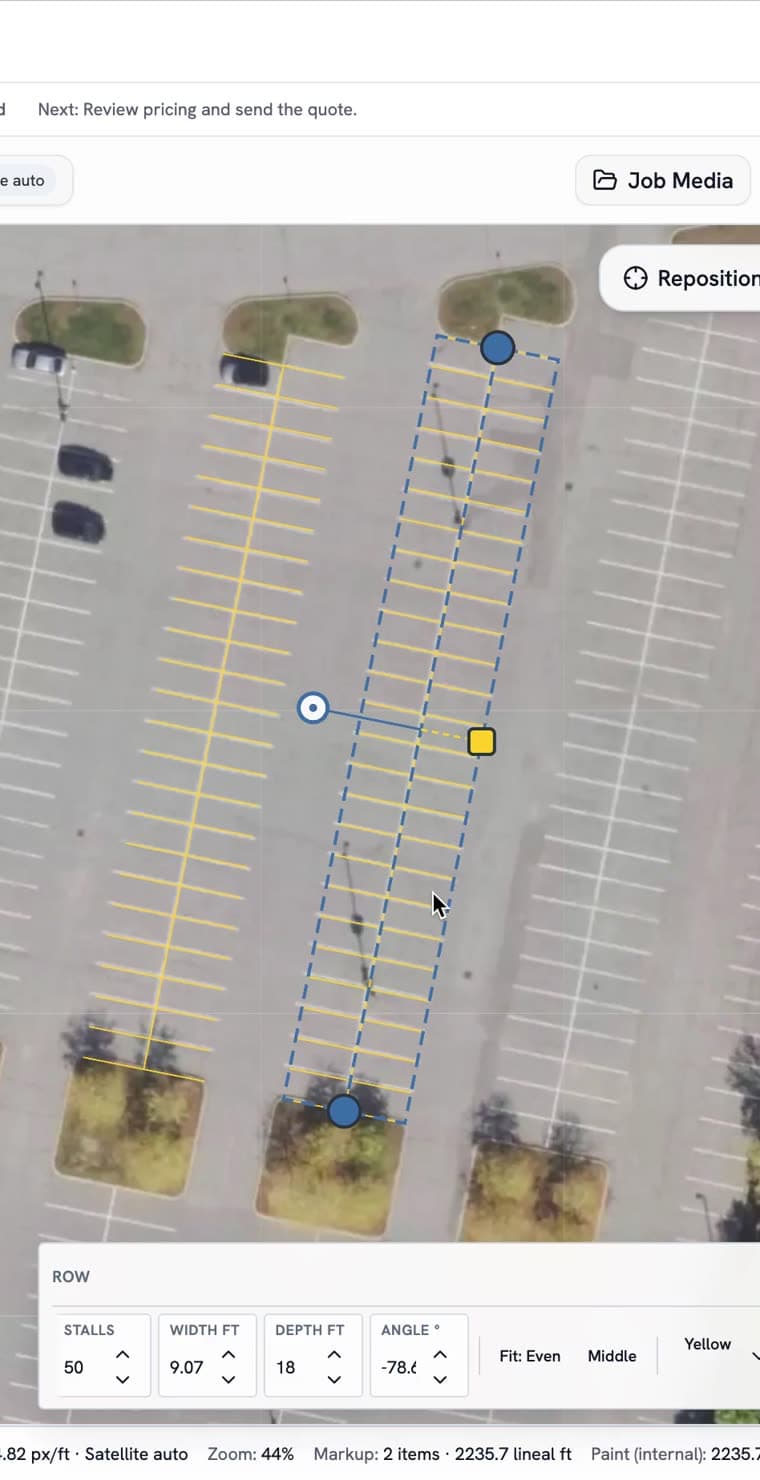
No CAD training, no spreadsheet. Draw the work on the satellite image and the stall counts, the paint, the price and the proposal all follow.


Every part of the quote, priced from what you drew.
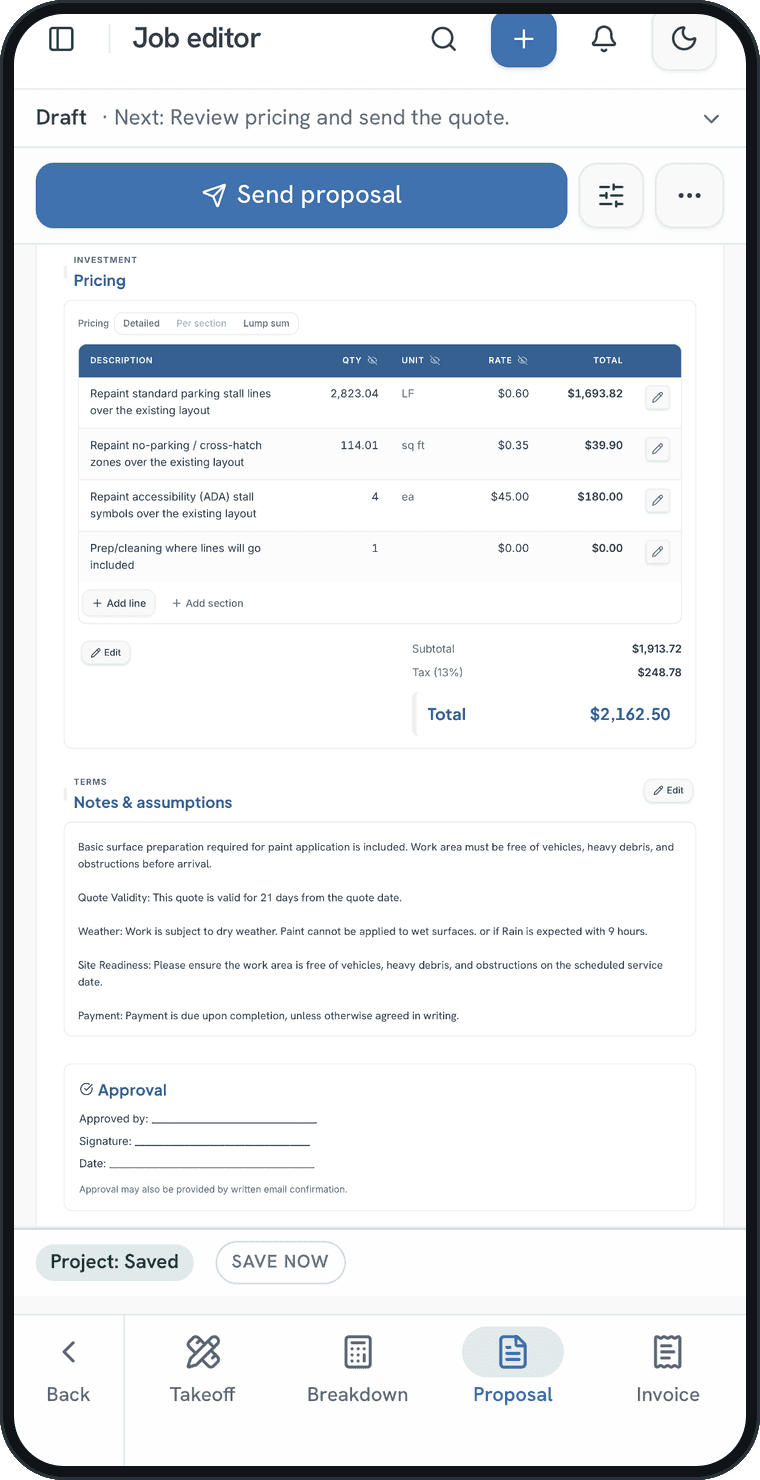
QuoCAD turns the drawing into the estimate — stall counts, linear feet, paint by colour, labour and travel — so the number you send is the number you measured.
Counted as you place it, not from memory
Counting stalls off a printout is how a bid goes out light. Here each stall row, arrow, stop bar and curb is placed once, then counted and priced from that.
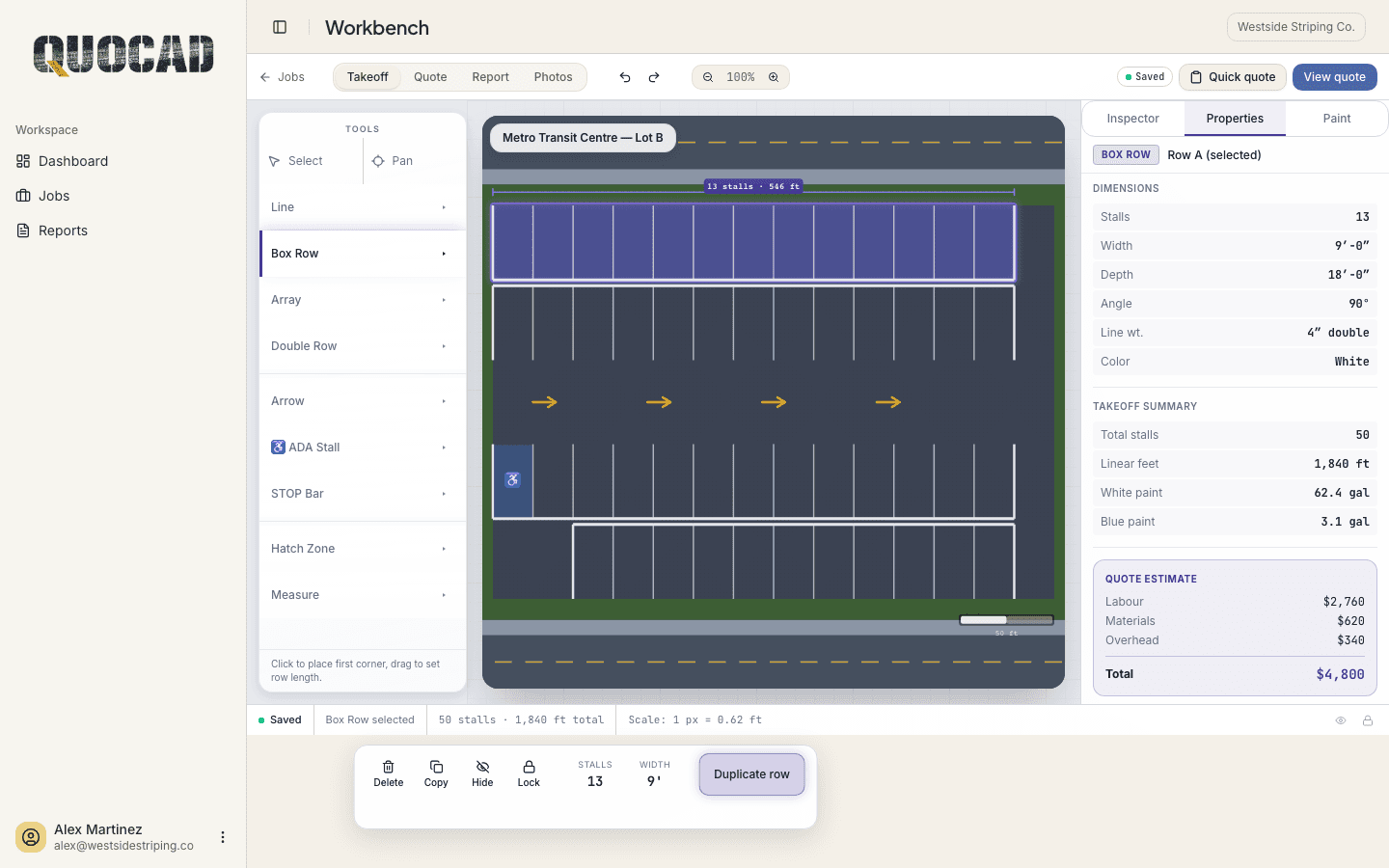


Live takeoff summary
Quantities recalculate on every change — watch the quote build while you draw.
Metro Transit Centre
Lot B · Restripe
Takeoff summary
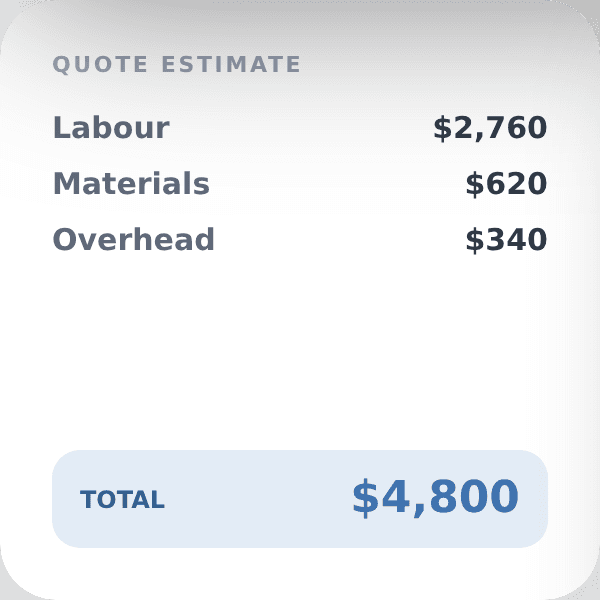
Quote estimate
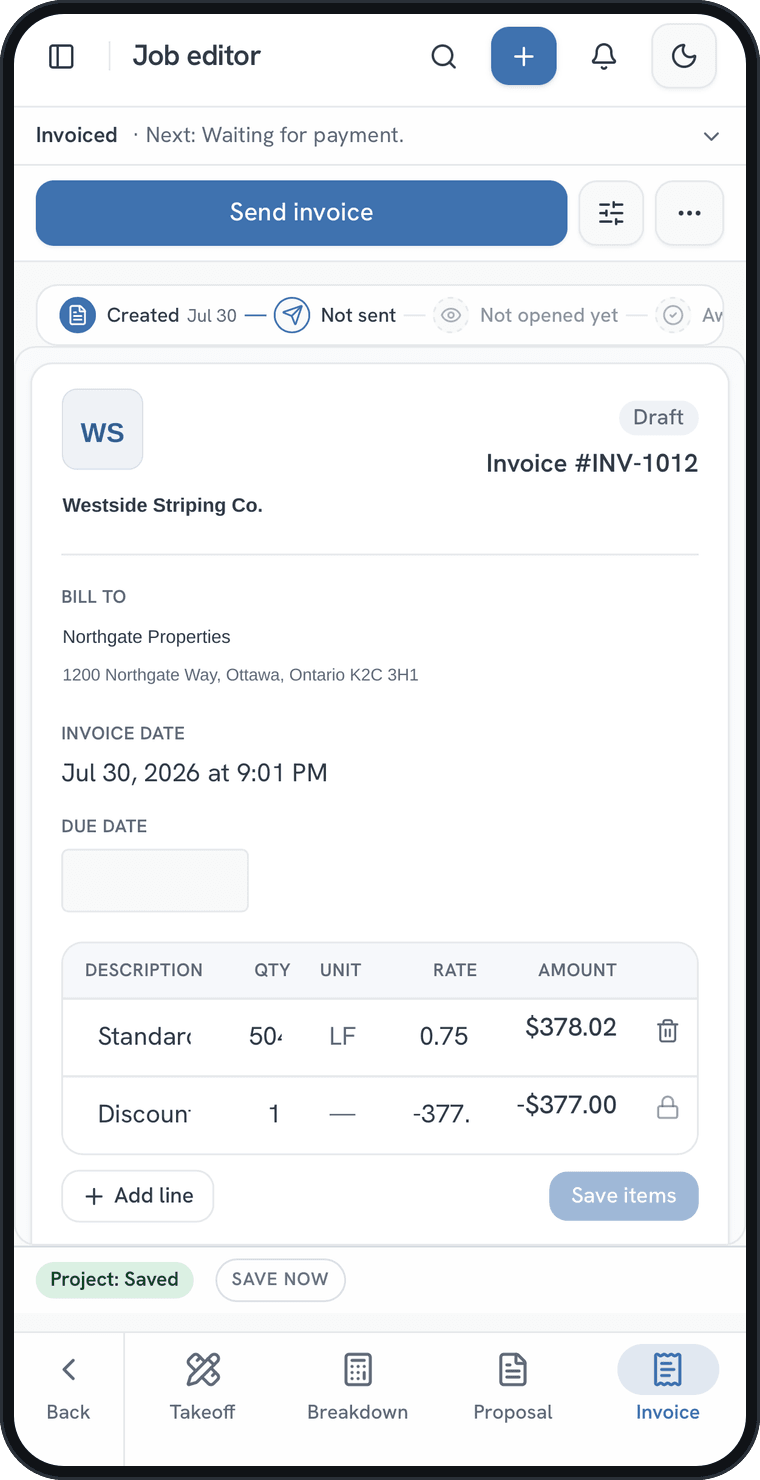
Proposal to invoice
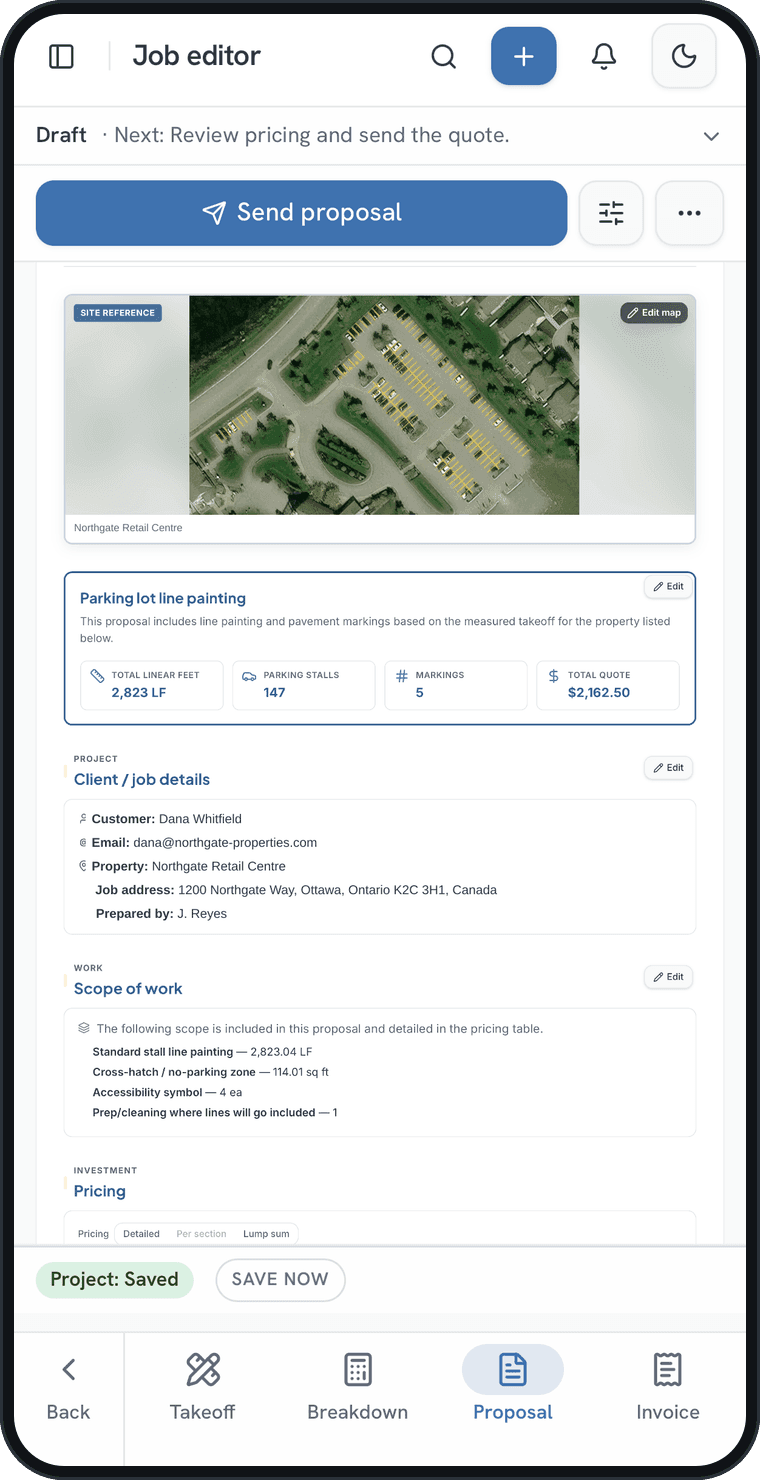
Turn the accepted quote into an invoice in one step — same numbers, your branding, no retyping between documents.
Start a takeoffQuotes, invoices and reports all read from the same takeoff.
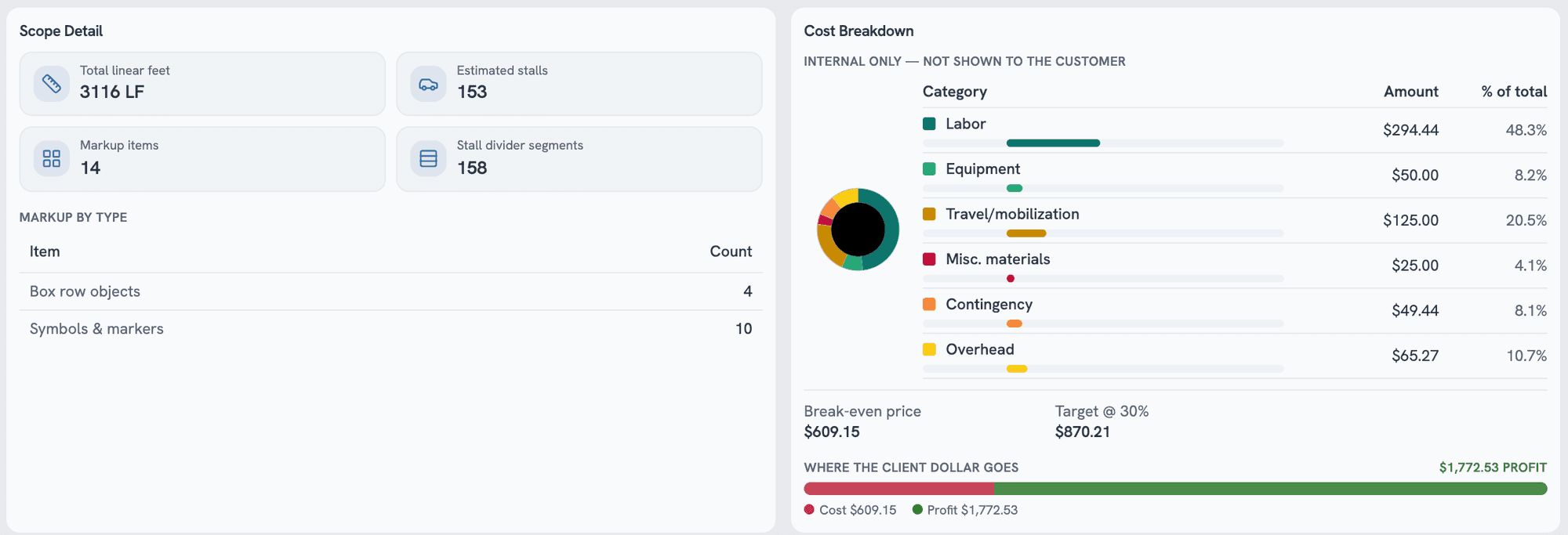
The cost behind the price
Labour, equipment, travel and materials against the client price — so the margin is settled before the number goes out the door.
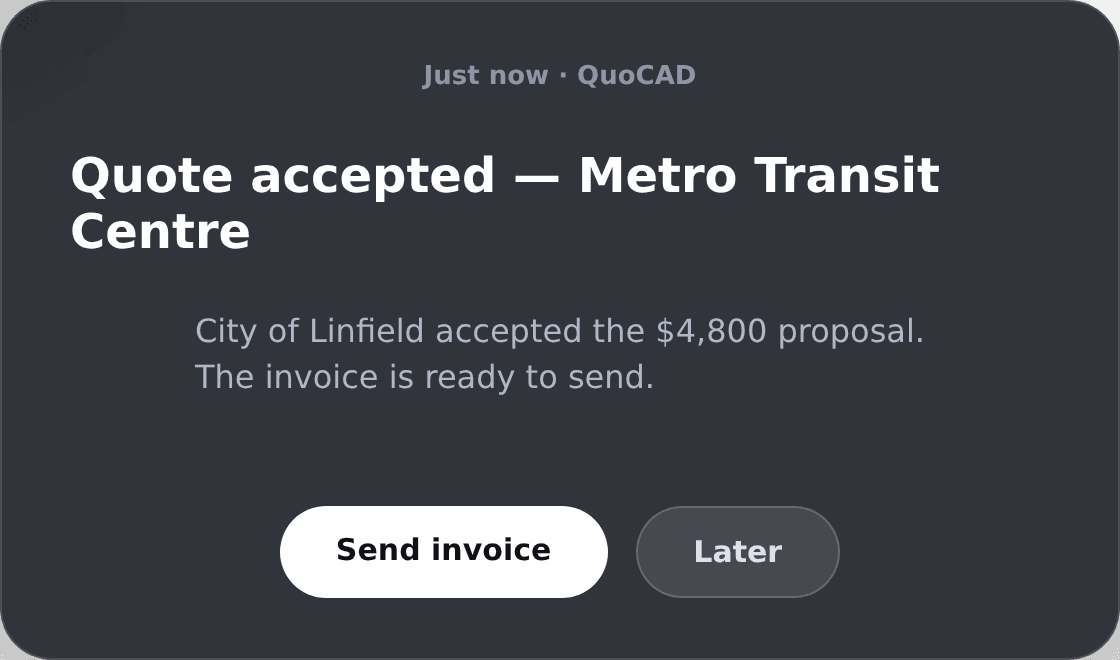
Know the moment a quote is accepted
Every quote keeps its own history — sent, opened by the customer, accepted or declined — and an accepted quote is one step from an invoice.

From the satellite photo
to the paid invoice
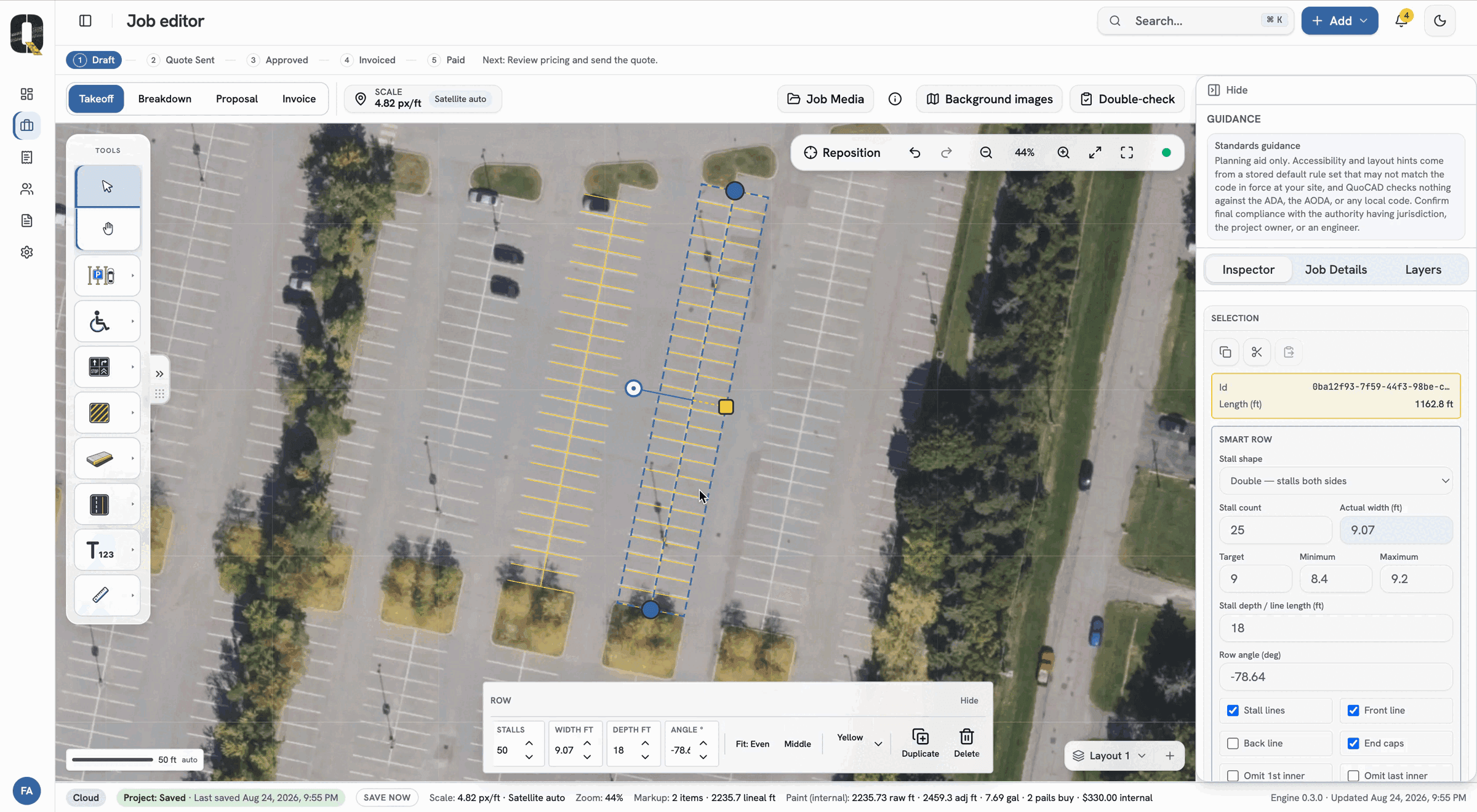
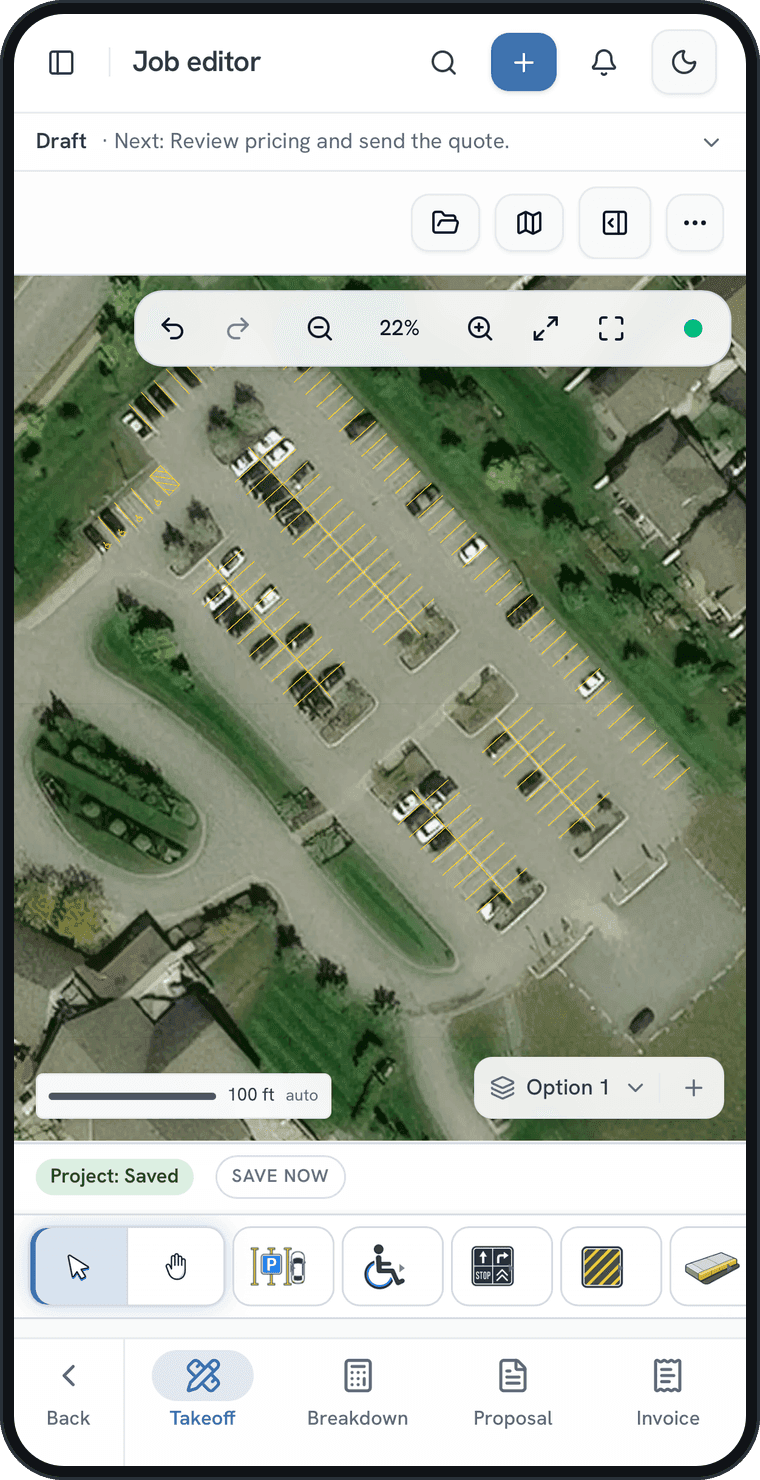
Pull the property up on satellite imagery and draw the rows straight onto it. Every stall, ADA space, arrow and curb is counted the moment you place it — so most of the measuring is done before you leave the shop.
2,236 LF
Drafted off the aerial, confirmed on site
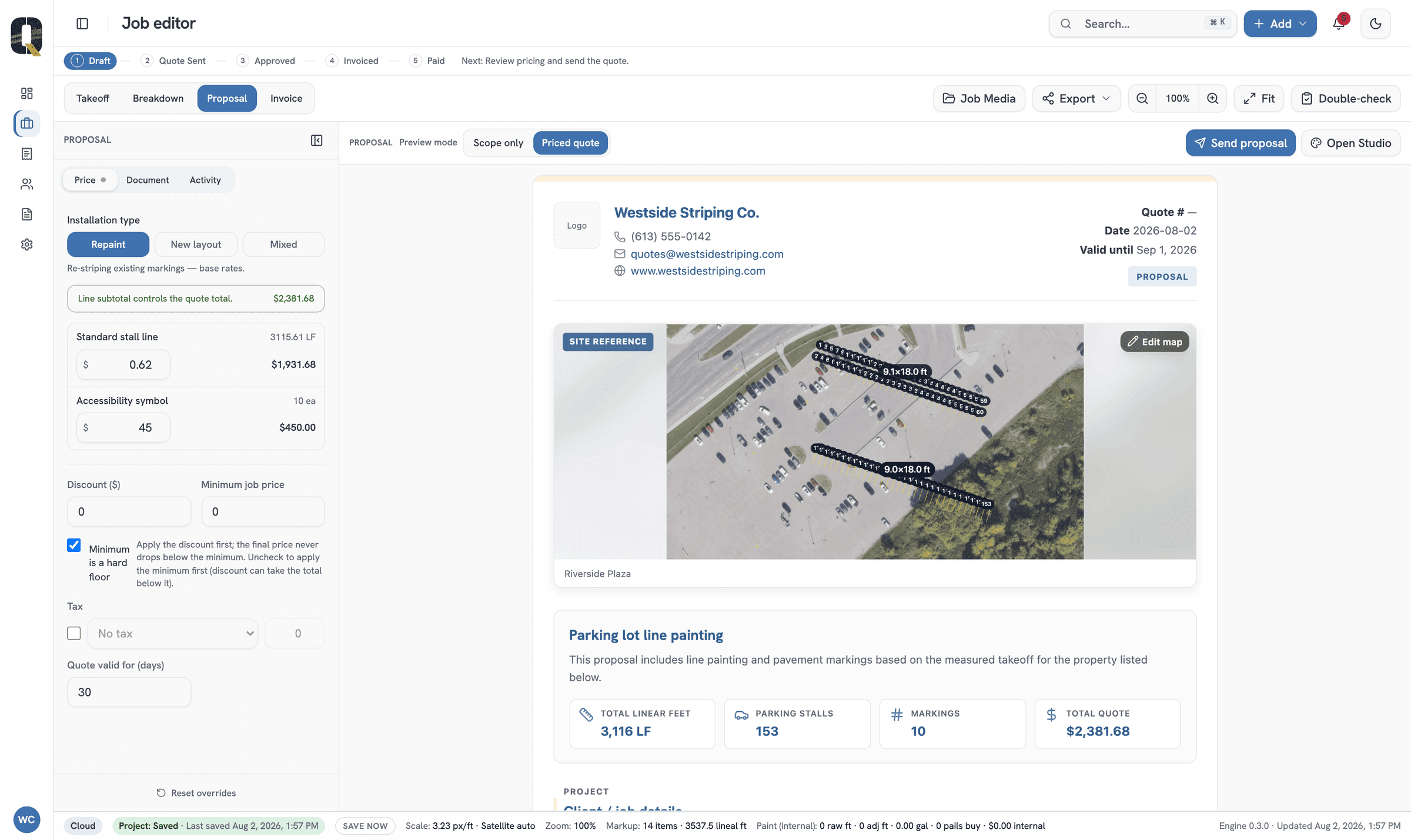
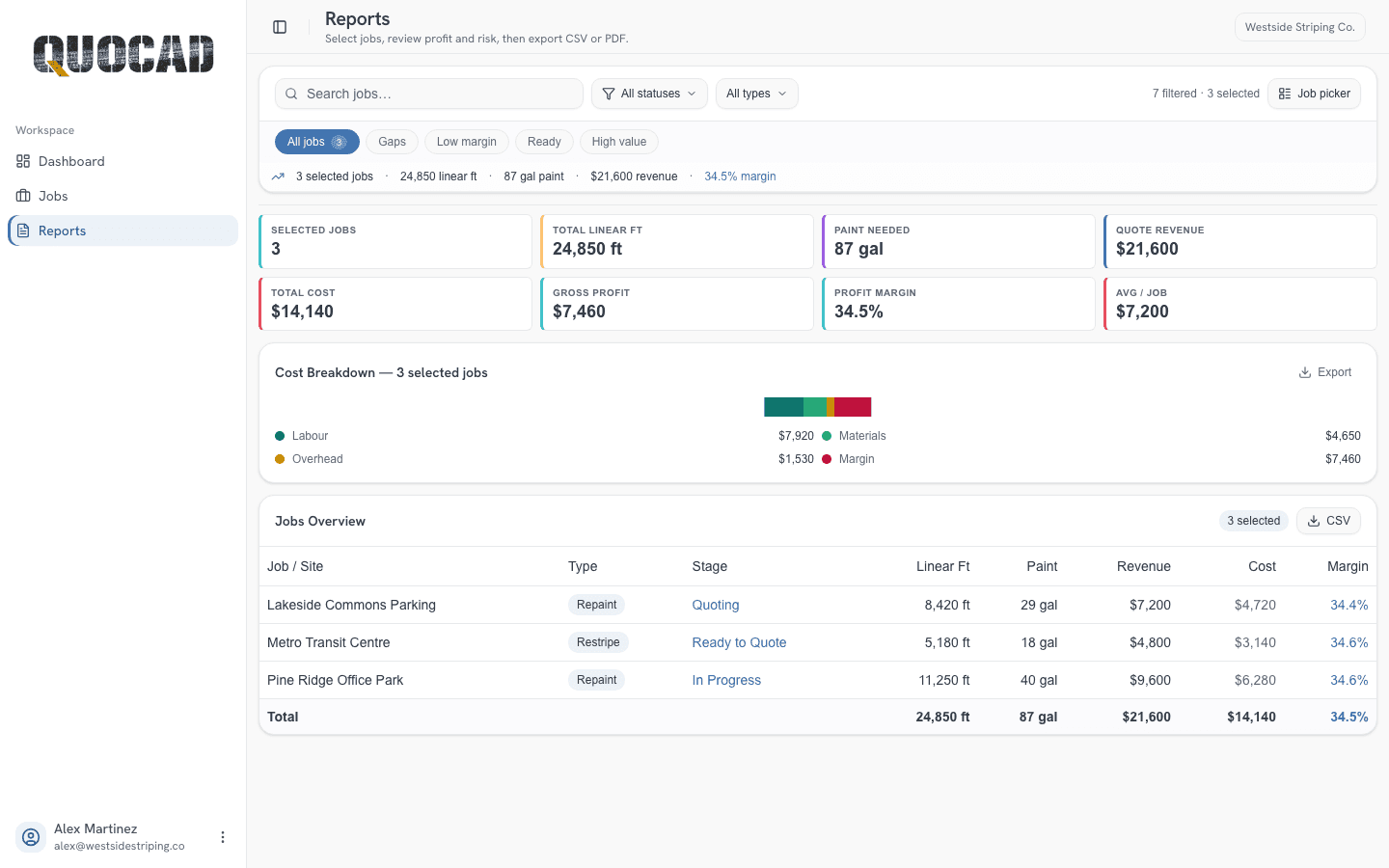
One measurement carries all three — nothing is entered twice
Suggestions that
read the takeoff
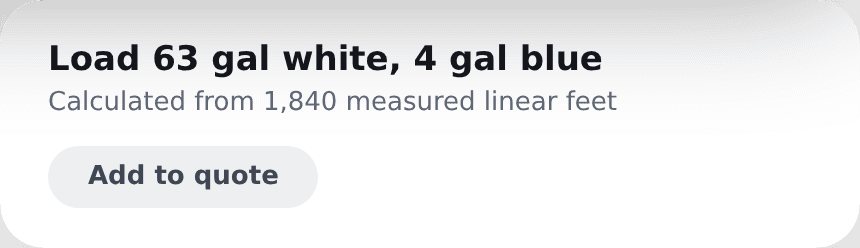
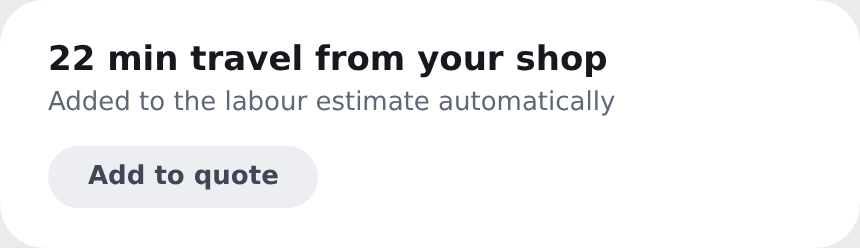
QuoCAD works from what you drew — comparing accessible stalls against your configured planning guidance, turning measured feet into estimated gallons by colour, and pricing the drive out to the lot, so less rides on memory.


Accessible-stall planning check
Compares the accessible stalls you drew with the configured planning guidance.
Travel estimates
Drive time and distance from your shop, priced as travel.
Pricing intelligence
What you won — and lost — on lots like this one.
Paint volume
Gallons by colour, from the measured feet.
Clear plans for every crew
Yearly billing costs 10 months instead of 12.
$29
One truck, one estimator. Everything you need to measure a lot and quote it.
- 1 user
- Unlimited jobs, quotes & invoices (fair use)
- Satellite takeoff on every job
- 5 GB storage
- Unlimited quote templates & custom materials
- Custom branding on quotes
$49
For contractors quoting every week and watching margin on every job.
- Everything in Starter · 1 user
- Mapbox or Azure satellite imagery
- 25 GB storage
- Advanced job costing & reports
- Pricing intelligence · quote revisions
- Automatic travel estimates (300/mo)
$149
Estimators, admins and field crews working the same job list.
- Everything in Pro
- 3 users included
- Mapbox or Azure satellite imagery
- 100 GB storage
- Team roles (estimator, field, admin) & approvals
- Shared material library · audit logs
“Unlimited” means fair use for one shop’s estimating and quoting. Prices in CAD; Stripe bills in your local currency at checkout where it’s supported. Prices exclude tax. Cancel anytime from your billing settings — no phone call.
The questions estimators actually ask
Can't find your answer?
Read the help centreDo I need CAD experience to use QuoCAD?
How accurate is measuring from satellite imagery?
What can I measure and mark up?
Does it tell me how much paint I need?
Can I send quotes and invoices from QuoCAD?
Whose pricing does it use — yours or mine?
Does it work on a tablet in the truck?
Is my job data private?
Am I locked into a contract?
Get your next bid out before lunch
Pull up a lot you already priced, draw it, and check the takeoff against your own numbers.